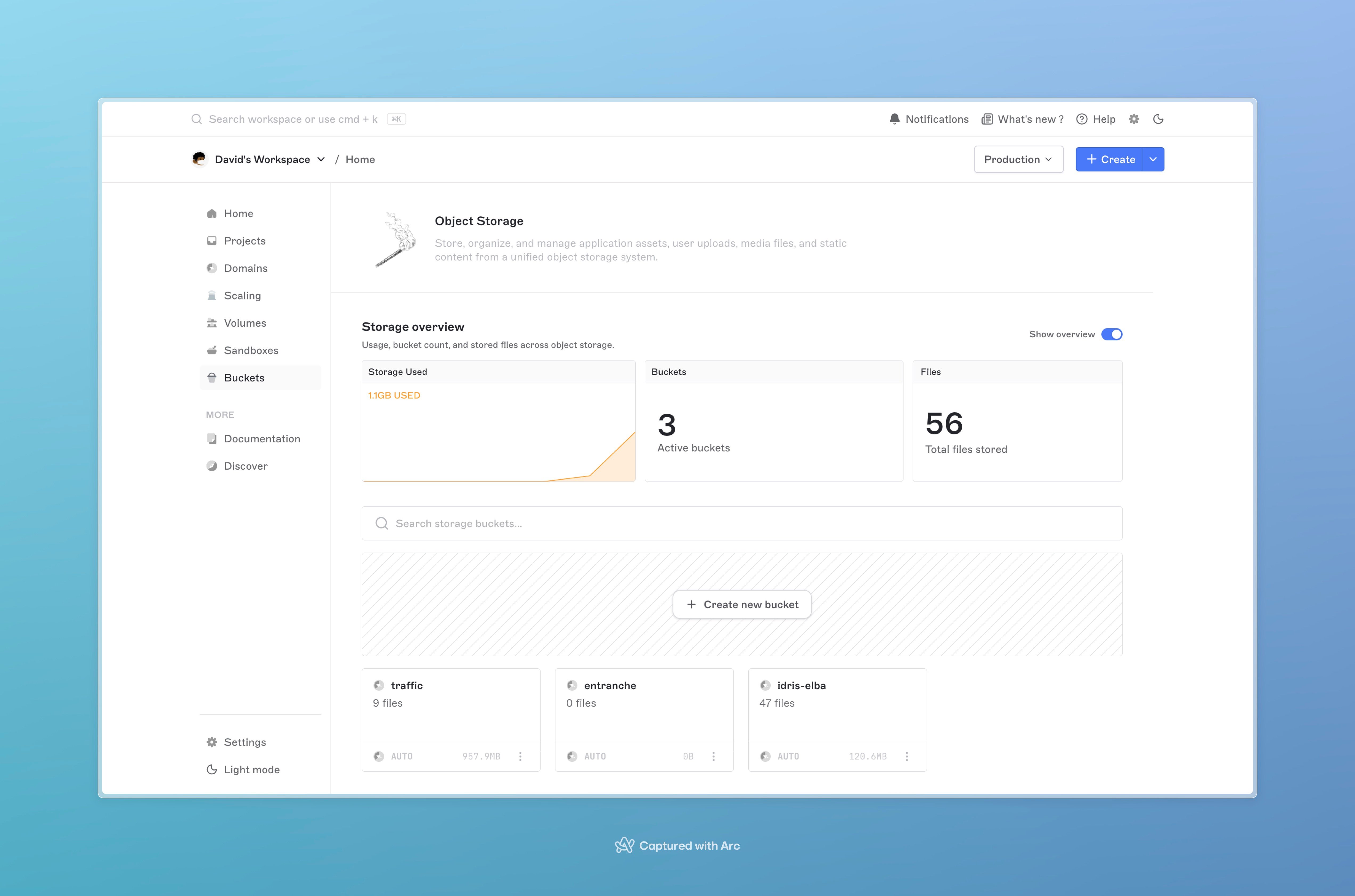
Brimble Object Storage gives you S3-compatible buckets to store application data, user uploads, backups, static assets, and anything else you’d put in an object store. Buckets are independent of any project; you create them once, use them from any service in your account, and pay only for what you store.
Object storage home with total storage, bucket count, and a table of buckets showing name, region, object count, and size
The API surface is S3-compatible, so anything that talks to S3 (the AWS SDKs, the AWS CLI, boto3, aws-sdk for Node, rclone, mc, s3cmd, and the like) works against a Brimble bucket the moment you give it an endpoint, region, and access key pair.

When to use it

Reach for object storage when:
  • You serve user uploads (avatars, attachments, video, photo libraries) from a web app.
  • You generate build artifacts, backups, or exports and need a durable place to put them.
  • You’re hosting static assets that don’t fit a static-site deploy (large media files, generated reports).
  • You want a data plane that’s independent of your compute, so you can swap services in front of the same data without copying anything.
Skip object storage when:
  • The data is small, structured, and queried frequently. Use a managed database.
  • The files only need to survive a redeploy on one service. A persistent disk is simpler.

Concepts

TermWhat it means
BucketA named container for objects. The unit of access control, CORS configuration, and billing visibility.
ObjectA single file in a bucket, addressed by its path (folder/sub/file.png). Object sizes go up to the per-object cap; for files above a few hundred MB use multipart upload.
FolderA path prefix. There are no real directories; an object at images/2026/cover.jpg is just one object whose key starts with images/2026/. The dashboard renders prefixes as folders.
Storage credentialAn access key pair (accessKeyId + secretAccessKey) scoped to one bucket with a role (ReadOnly or Editor). Use it from any S3-compatible client.
RegionWhere the bucket physically lives. Pick the one closest to your readers; cross-region access works but pays the distance penalty.

Regions

Buckets live in a single region; objects don’t replicate across regions automatically. Pull the current region list from the dashboard’s New bucket dialog, the catalog changes from time to time as Brimble brings new regions online.

S3 compatibility

Once you’ve created a bucket and issued credentials, point any S3 client at it:
aws s3 ls s3://<bucket-name>/ \
  --endpoint-url https://<bucket-endpoint> \
  --region <bucket-region>
The endpoint is shown on the bucket’s detail page in the dashboard. The same endpoint accepts the standard S3 verbs you’d expect: list, head, get, put, delete, multipart upload, and copy. Access is gated by storage credentials, not by per-object ACLs. See Working with objects for code snippets in the major SDKs.

Pricing

ResourceRate
Storage$0.032 per GB-month
Egress (outbound bandwidth)Free
Requests (PUT / GET / LIST / etc.)Free
Egress and per-request charges are free. Today, object storage bills only for the data you hold at rest. There’s no fee for downloads, uploads, or the number of API calls you make. If that ever changes you’ll see the new line item on your invoice; the storage line stays as-is.
Storage is metered hourly and billed as GB-months on your invoice (GB-month = GB-hours / 720). A 50 GB bucket held for the full month bills as 50 × 0.032=0.032 = **1.60**. A 50 GB bucket held for 12 hours bills as 50 × (12 / 720) × 0.0320.032 ≈ **0.027**. Bucket usage rolls into the same invoice as the rest of your account.

Limits

LimitValue
Buckets per accountSoft cap; contact support for higher.
Bucket name3+ characters, lowercase, dashes, slugified on create.
CORS rules per bucket100
Bulk deleteUp to 100 objects per call
Multipart upload part size5 MB minimum (S3 standard), 5 GB maximum
Search resultsUp to 1000 keys per page

Next steps

Last modified on May 31, 2026