
Without your own key
Each chat session has a token budget. A counter in the composer tracks how much of that budget the thread has used. When the session hits the cap, the input locks with Token limit reached. Start another session to continue. If that chat is already locked at the cap, sending starts a new session. There is also a daily cap on new chats. The composer shows used / allowed for the day. When none remain, you cannot start a new session until the next day, unless you add a provider key.These caps are set on the account. They are not the same as API key rate limits for the platform
br_ / bk_ key.Bring your own key
Open Settings → API Keys in the dashboard. Under Bring your own key you can add a key for:- Anthropic
- OpenAI
- xAI
- DeepSeek
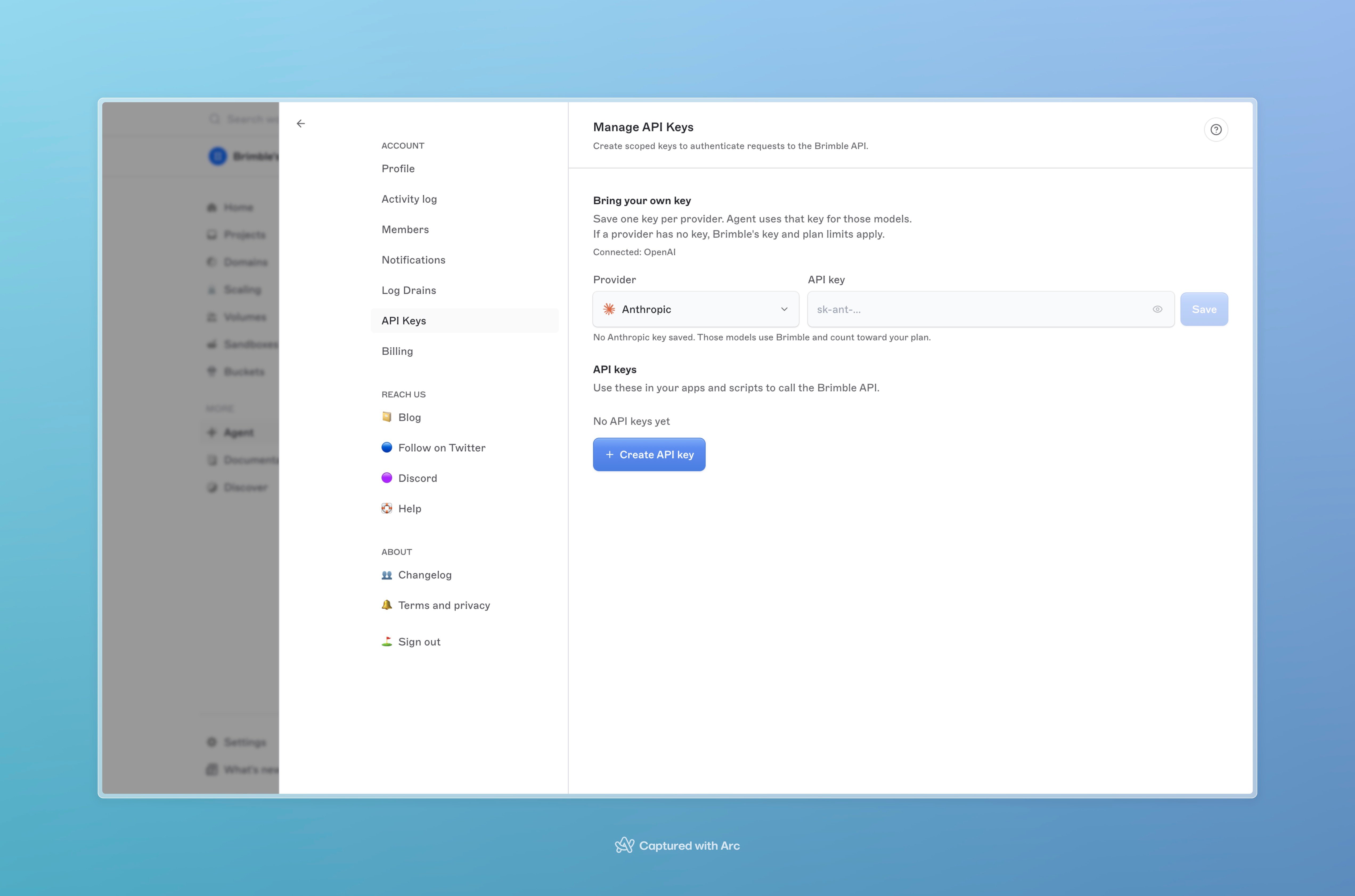
Bring your own key on Settings → API Keys, above platform API keys.
- The per-session token cap does not apply.
- The daily new-chat cap does not apply.
- Agent works even if the plan would otherwise keep it off (including Free).
File and message limits
Send stays disabled while a file is still uploading.