
Where to open it
- Agent in the sidebar opens the full page (
/ai). - The Agent button in the top bar opens a slide-over panel, unless you are already on
/ai.
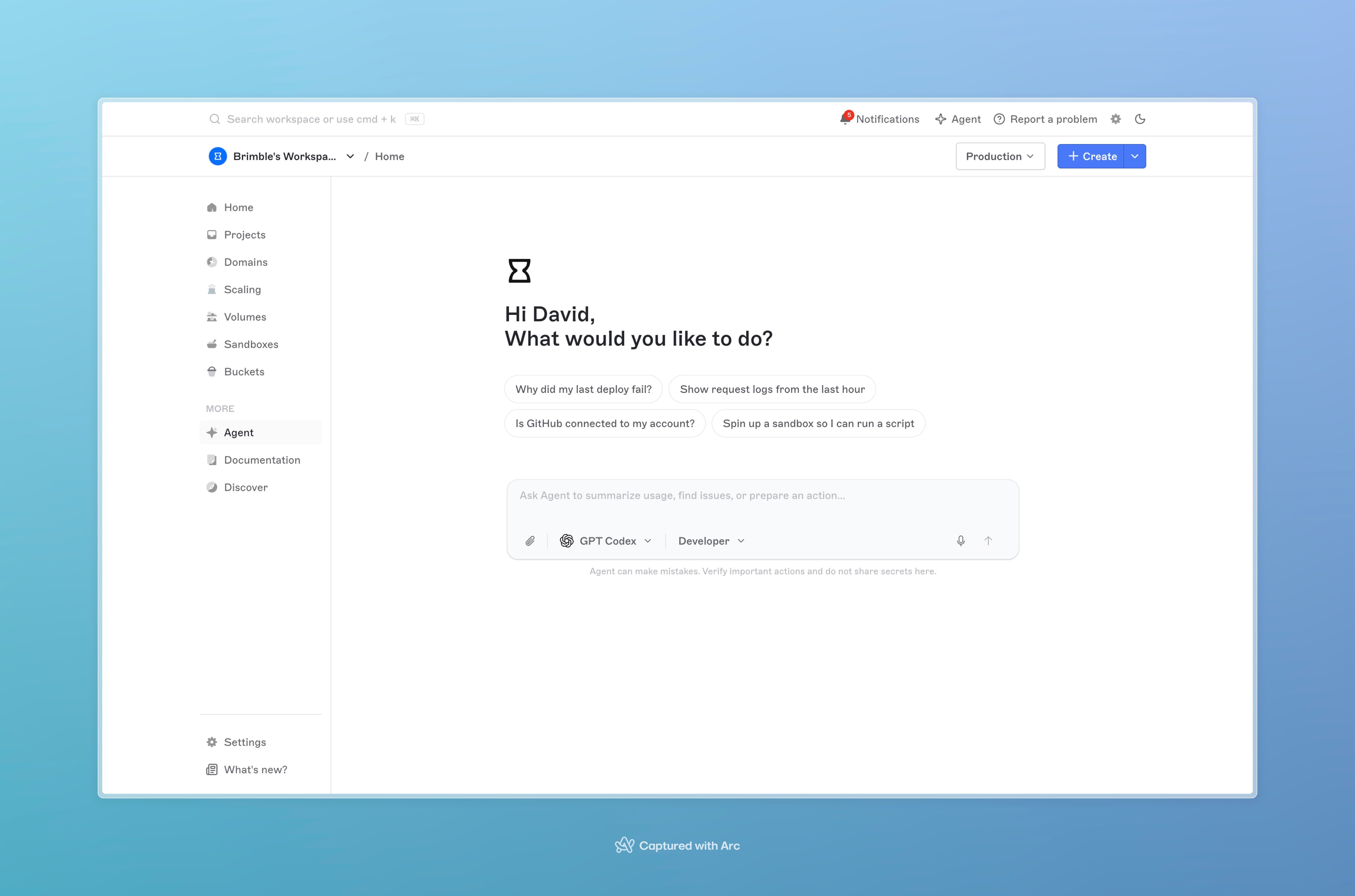
The Agent page from the sidebar, with suggested prompts and the composer.
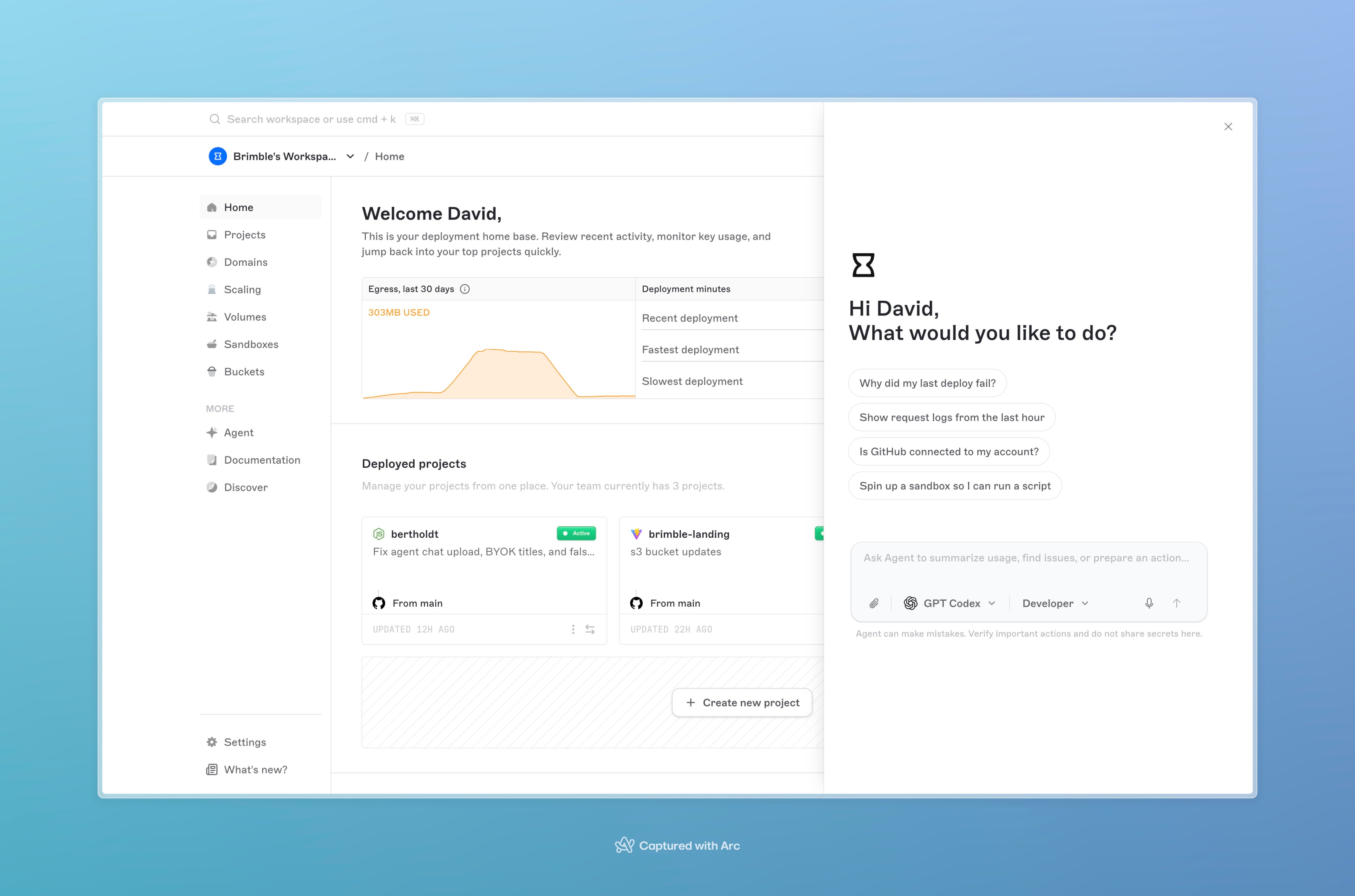
The top-bar Agent panel open over the dashboard home.
What it is for
On first use, the dashboard lists four jobs:- Launch until it’s live. Ask it to put a project online. It watches the launch, then tells you if it went live or what went wrong.
- Finds what broke. If a site is down or a launch failed, it reads the logs. You do not need to paste them.
- Works in the dashboard for you. It can add a domain, check usage, list projects, and more, instead of only pointing at screens.
- Fixes and tests code when that’s needed. For a real build or runtime error it can run a private copy of the project, change a file, and open a pull request. It will not offer that unless it needs to.
Agent, MCP, and sandbox coding agents
These are three different products.
Use Agent when you are already in the dashboard. Use Brimble MCP when you want an external client to manage the account. Use a sandbox coding agent when you want a CLI coding tool on isolated compute.